WPCS — WordPress Currency Switcher Plugin for Multi Currency Sites
WPCS is a WordPress currency switcher plugin that shows the prices of your products and services in the visitor’s currency by real-time exchange rates. Add any number of currencies to your multi currency WordPress site and present clear commercial offers to customers around the globe

Currency Switcher
WPCS enables the switching of product and service prices into different currencies on WordPress sites, making them more appealing to a global audience
Multi-Currency Pay
WPCS enhances the clarity and richness of site content for visitors worldwide, thereby shaping their perception of the content
Rules
WPCS facilitates the application of specialized currency rules such as GEO IP targeting, fixed pricing, custom price formats, and automatic currency adjustment based on language settings
What is the WPCS currency switcher for?
WordPress Currency Switcher (WPCS) is a multi-currency plugin designed for WordPress sites that require displaying content in multiple currencies. It enables visitors to switch the displayed currency for product or service prices to their preferred currency, based on real-time exchange rates. The plugin supports the addition of an array of currencies, making it an excellent tool for enhancing the clarity of commercial offers on your website for an international audience. It's particularly beneficial for marketing strategies, online catalogs, portfolios, and any textual commercial content, ensuring that propositions are easily understandable and accessible to customers worldwide.
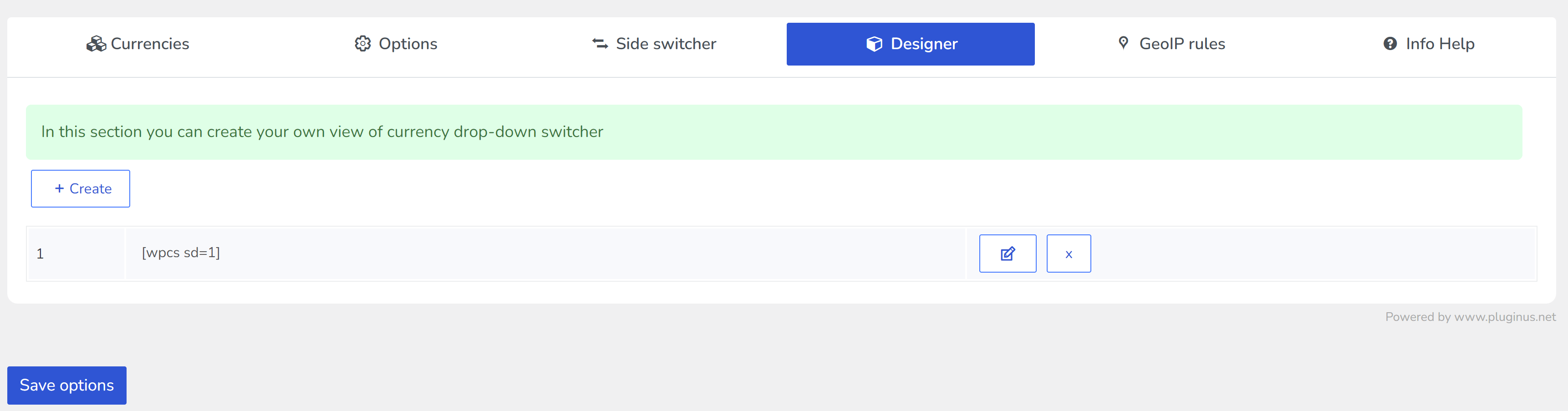
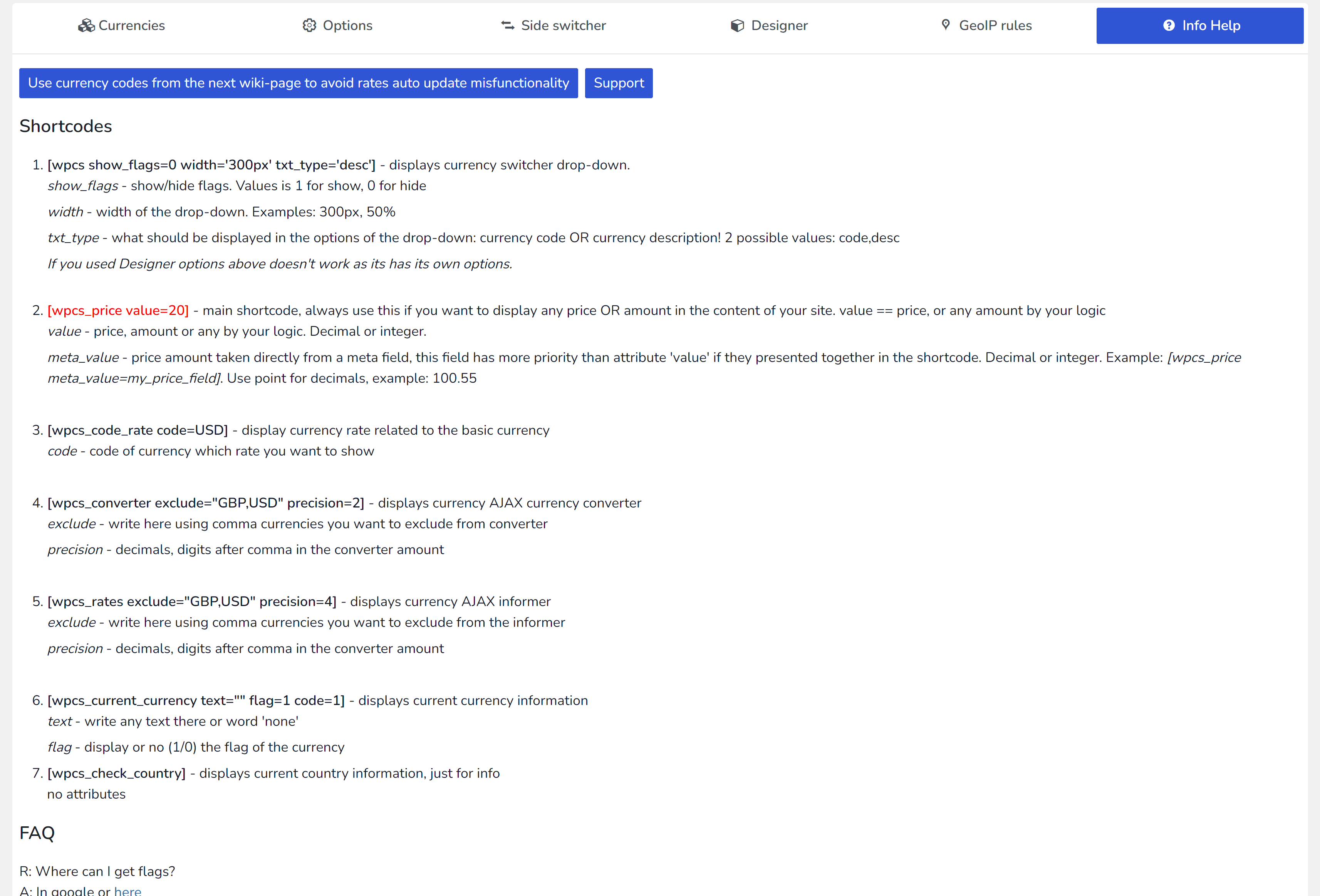
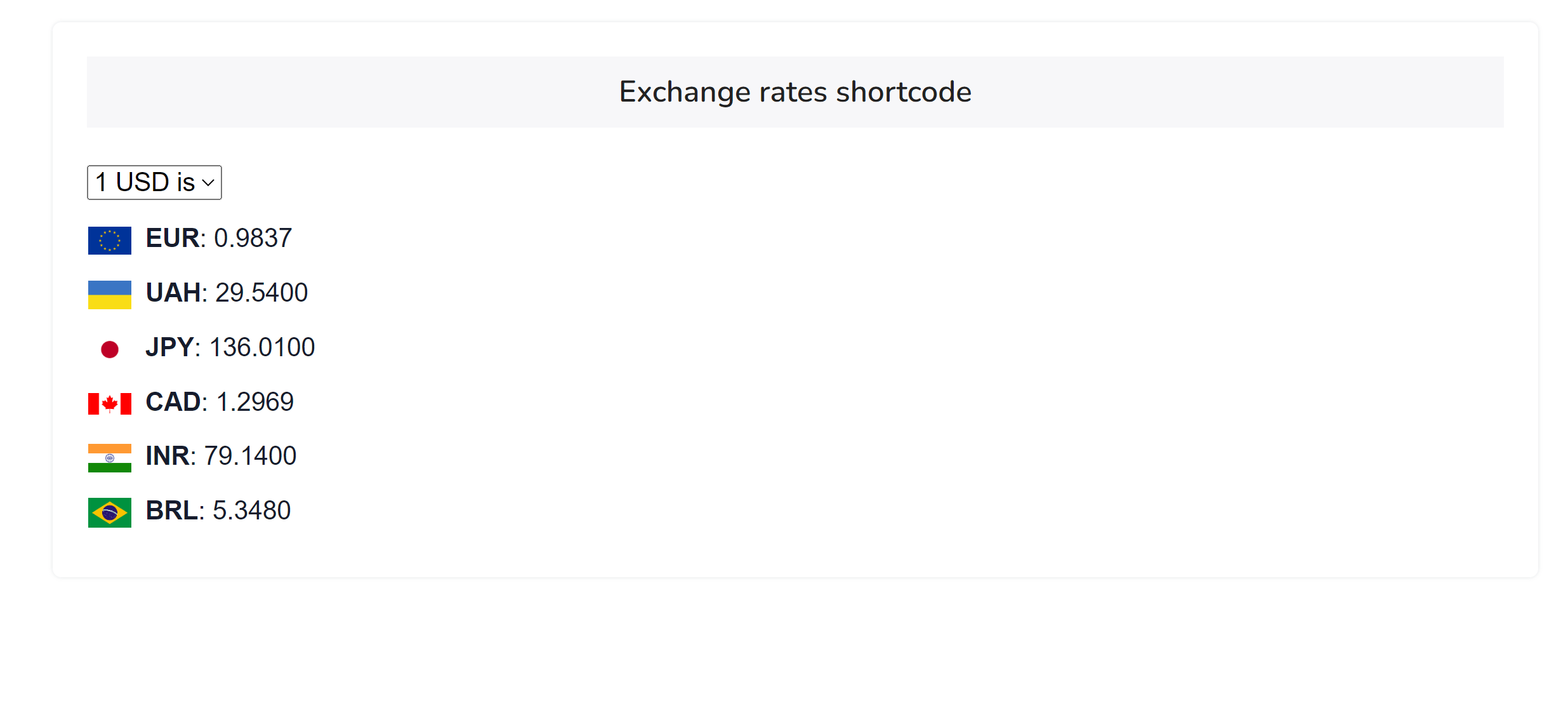
WordPress Currency Switcher is available as shortcode [wpcs] so as the widget.
Insert prices into your site content by shortcode [wpcs_price value=20]
ATTENTION: This plugin is NOT for WooCommerce products, for woo products use WOOCS - WooCommerce Currency Switcher
Advanced features of the WordPress currency switcher:
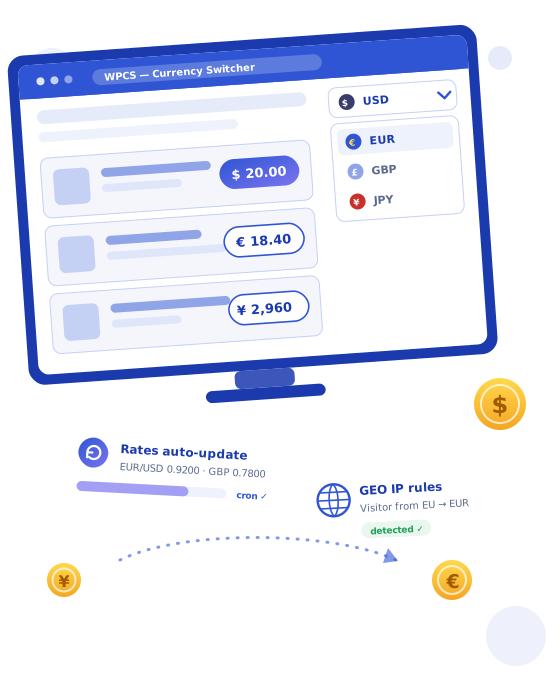
- Geo IP Rules: Automatically present prices in the visitor's local currency based on their geographical location (optionally).
- Fixed Prices: Set and maintain consistent prices for products regardless of currency fluctuations.
- Automatic Rate Updates: Keep currency exchange rates current with automatic updates.
- Custom Currency Symbols: Personalize the display of currency symbols to match your site's design.
- Flexible Price Formats: Choose how prices are displayed, with custom formatting options.
- Informative Price Icon: Provide visual cues with icons to convey price information clearly.
- Language-Based Currency Changes: Switch currencies automatically to match the language of the site (optionally).
- Welcome Currency: Greet new visitors with currency based on your business logic.
- Prices Displayed Without Cents: Simplify price tags by displaying amounts without cents.
- User-Friendly Interface: Ensure a seamless experience for both site admins and visitors.
- Cache Plugin Compatibility: Maintain speed and efficiency with full cache plugin compatibility (optionally).
- Robust API: Integrate with other systems and extend functionality with a comprehensive API.
WordPress Currency Switcher Features
Representation
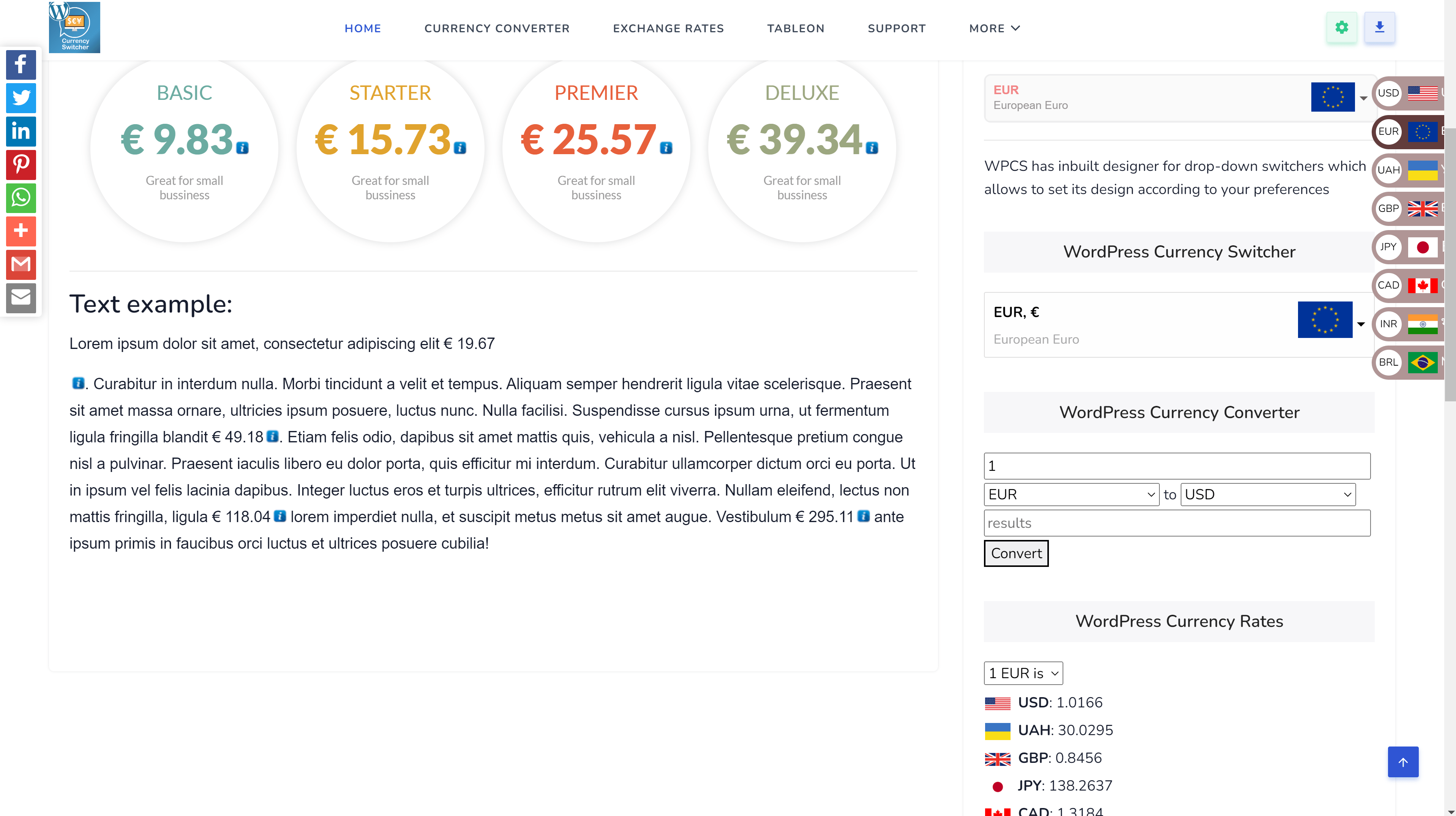
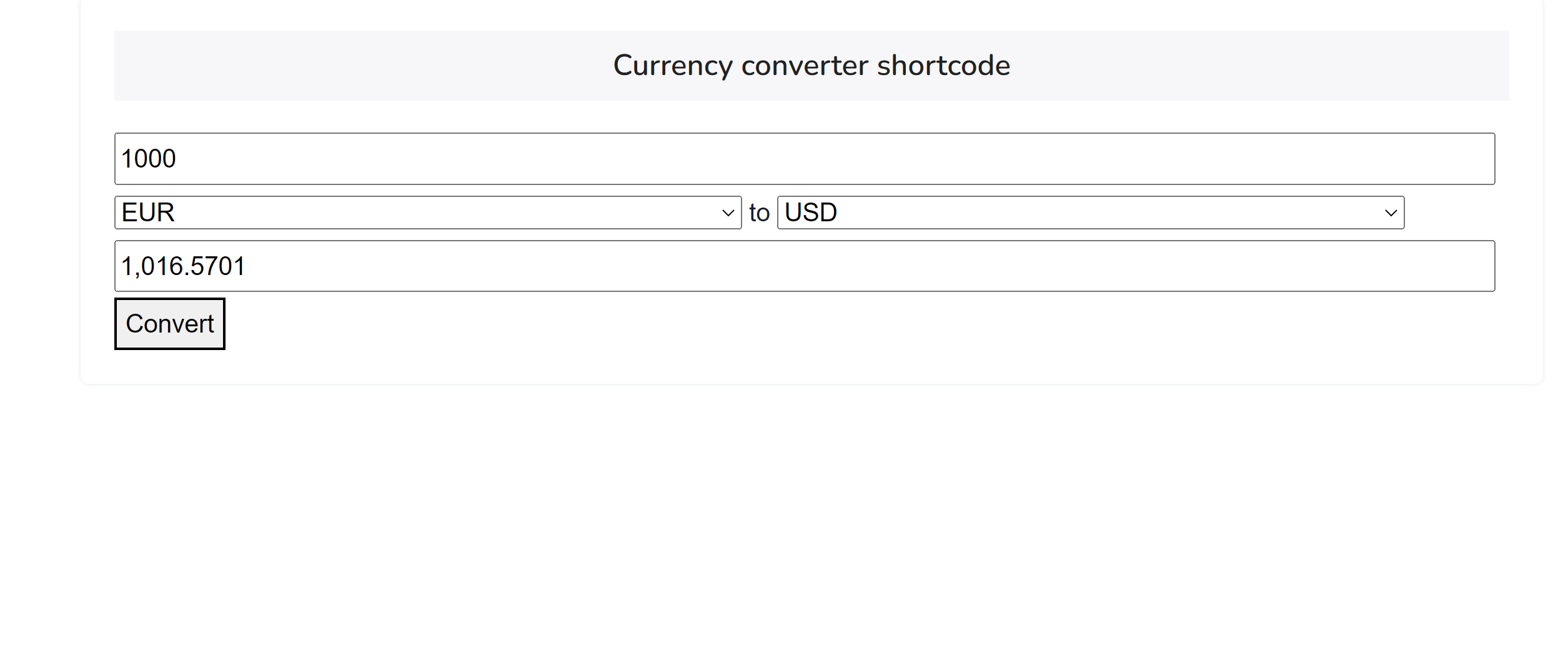
The Currency Switcher is seamlessly integrated as a widget or shortcode [wpcs]. Embed it anywhere on your site, including the top menu. It supports ajaxed shortcode for live currency conversion and currency rates display. For example, insert live price conversions into your content with shortcode [wpcs_price value=20], where 20 represents the amount in your base currency.
Design
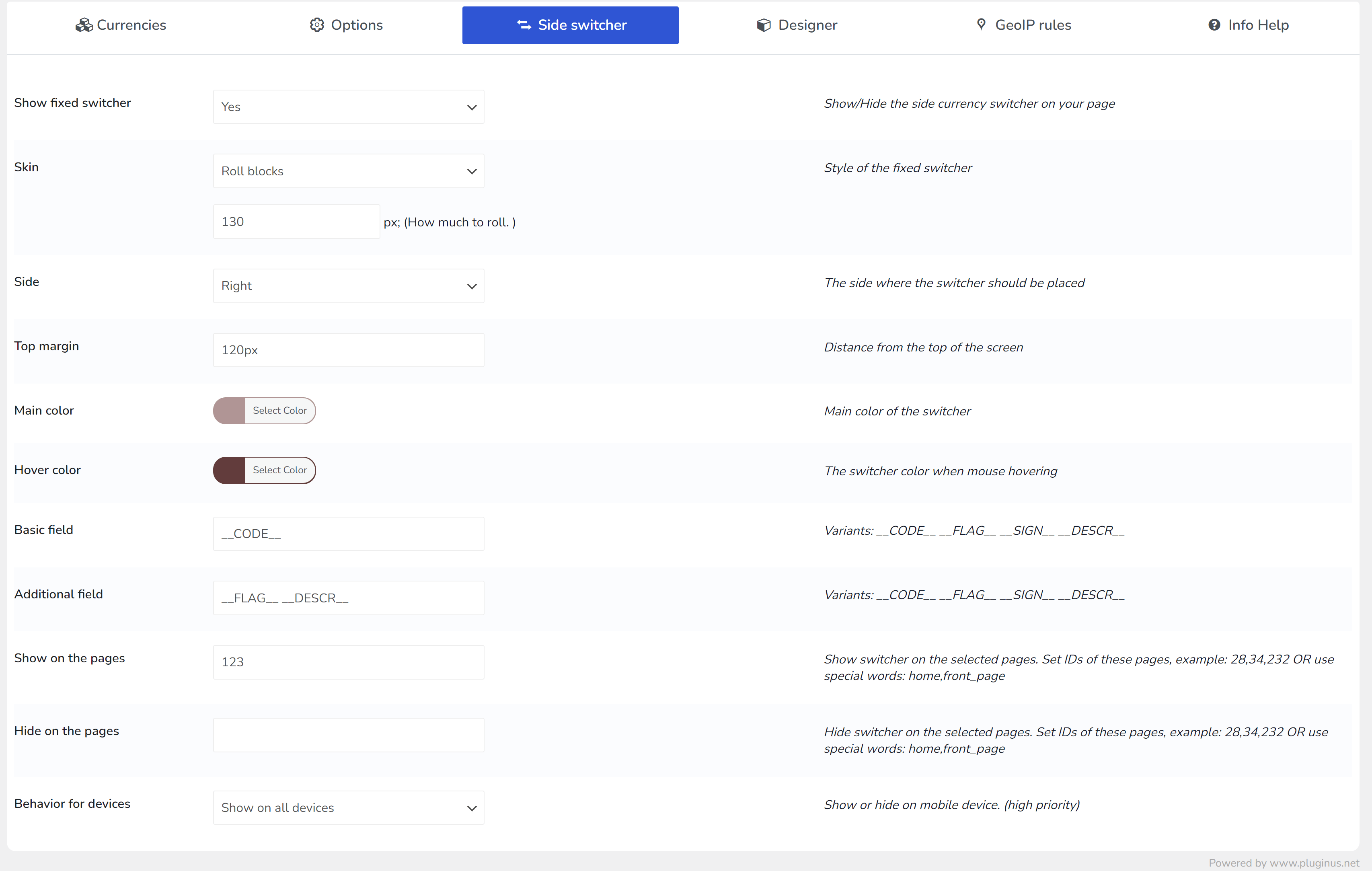
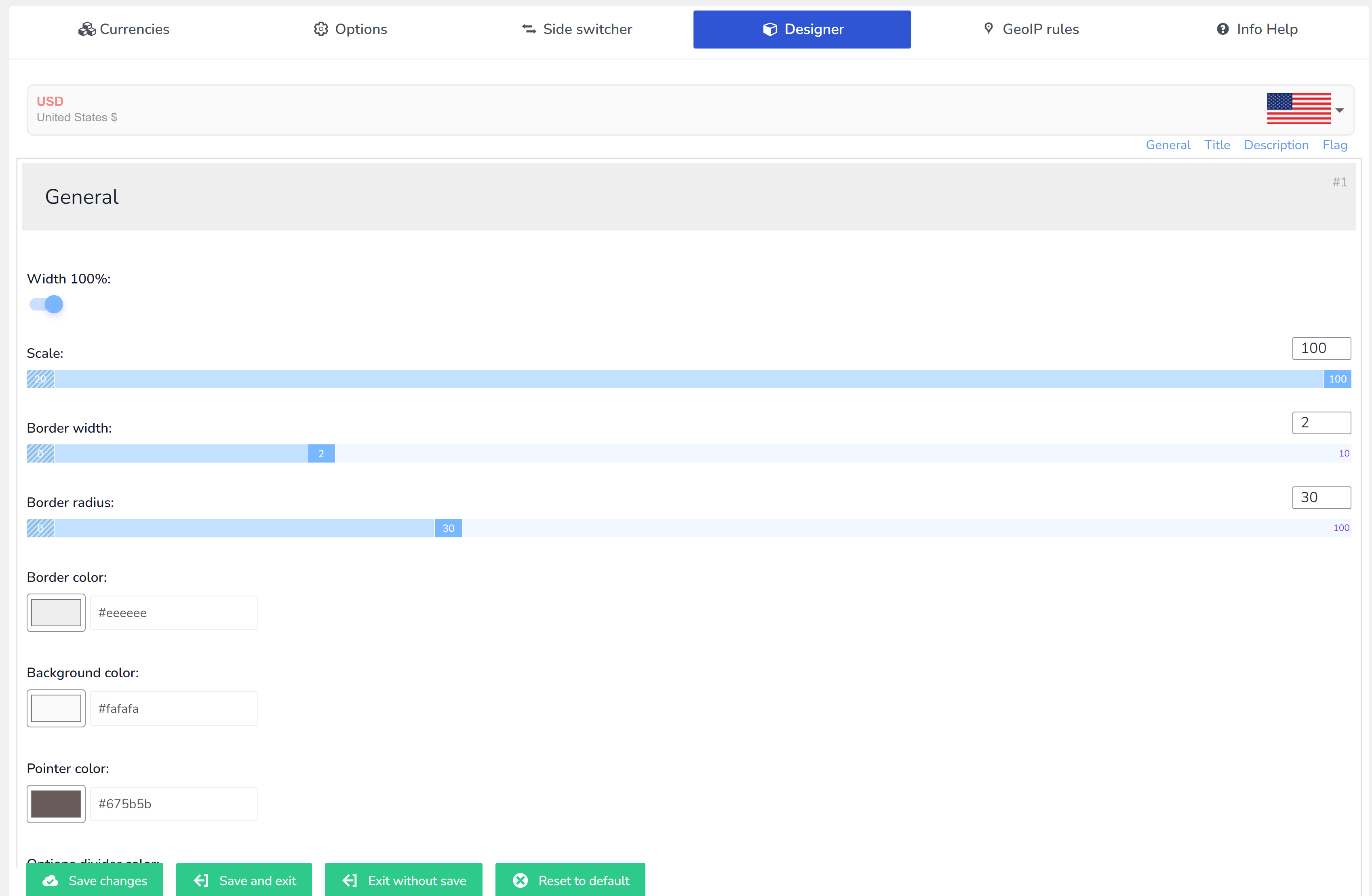
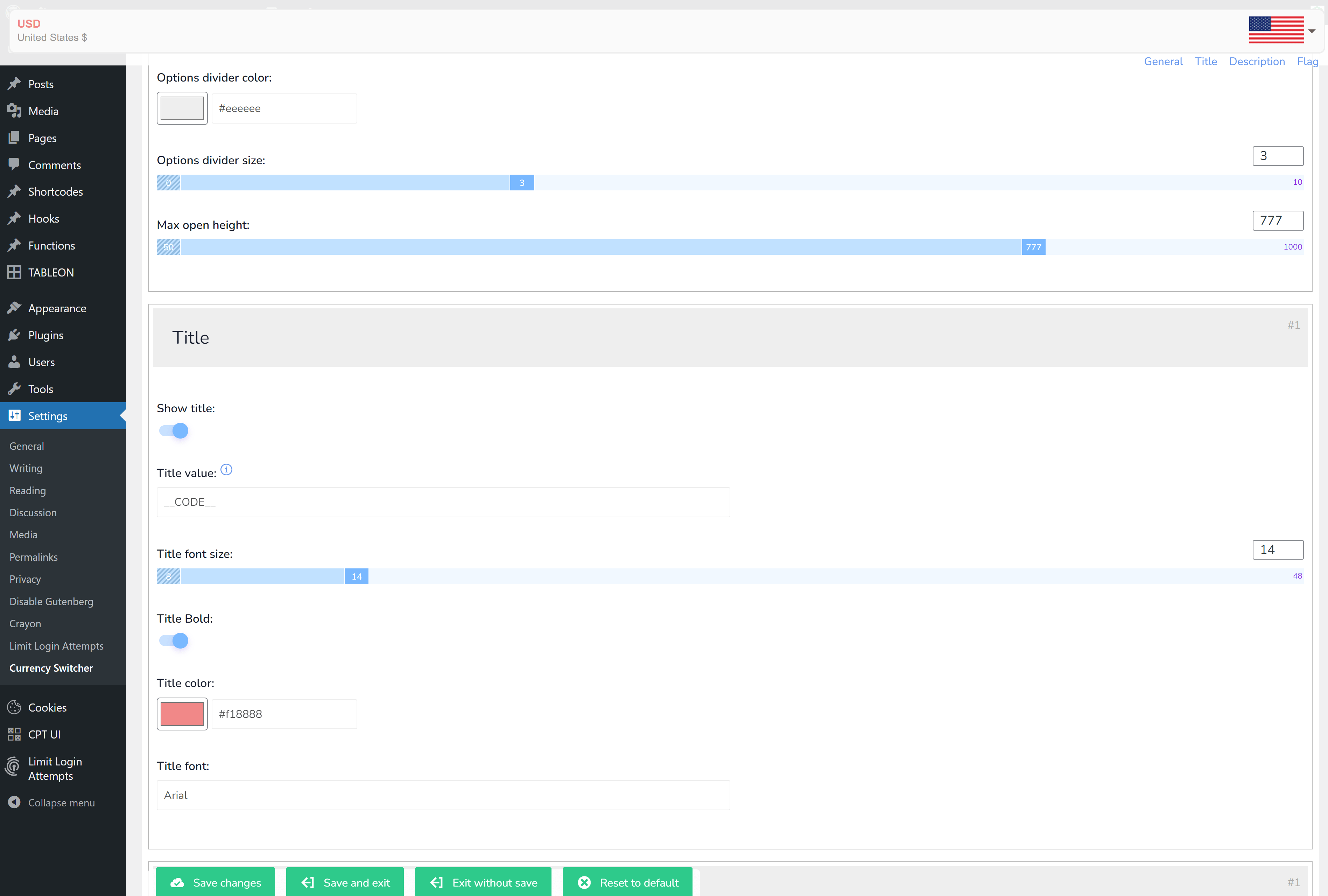
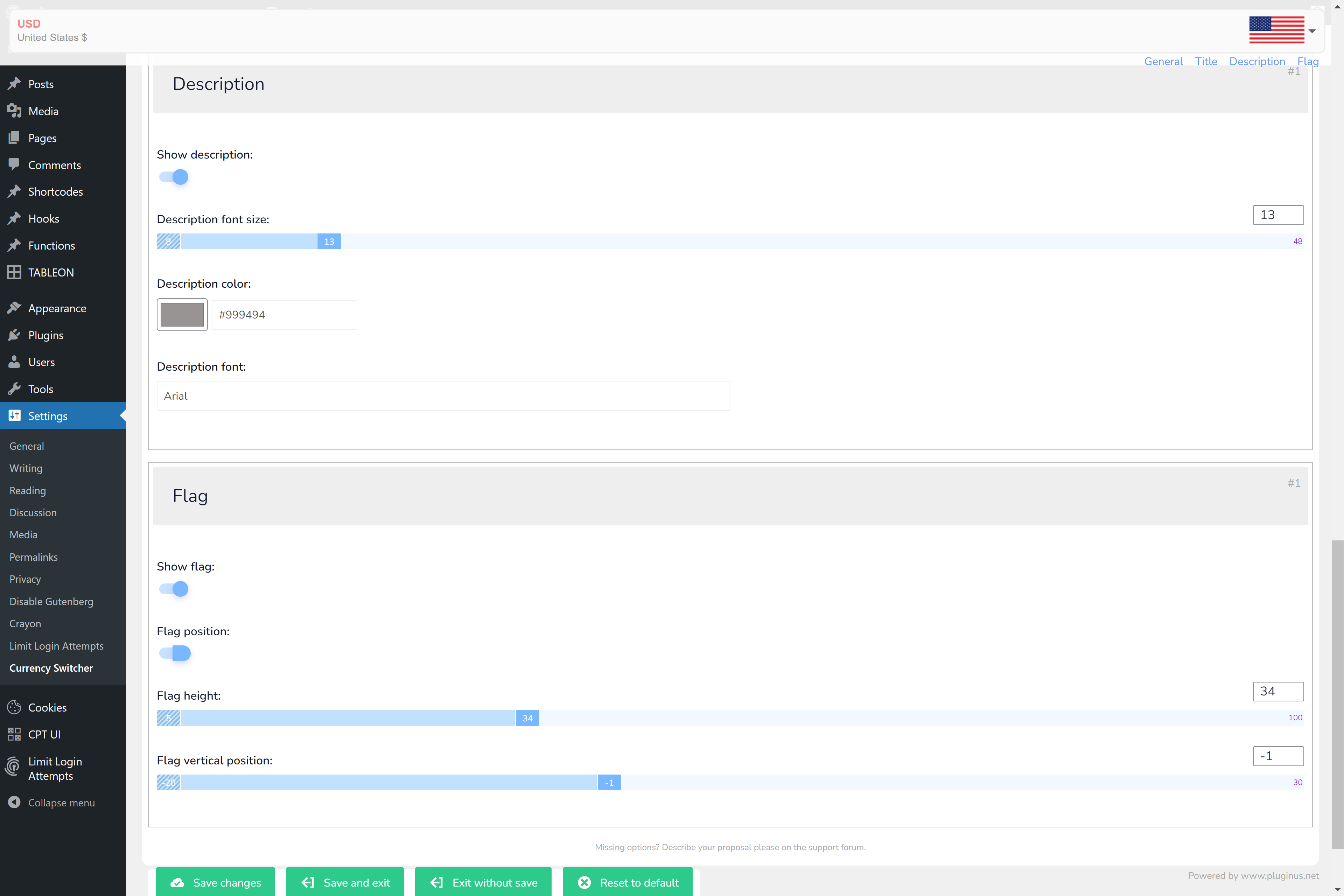
The WordPress Currency Switcher offers a visually appealing design, available in three styles: dropdown, flag icons, or a side switcher. Customize each currency's display with its own flag within the settings
Rates
Leverage multiple currency aggregators for dynamic rate updates, or manually set rates as needed. Optionally, receive email notifications about rate changes, keeping you informed
Rates auto update
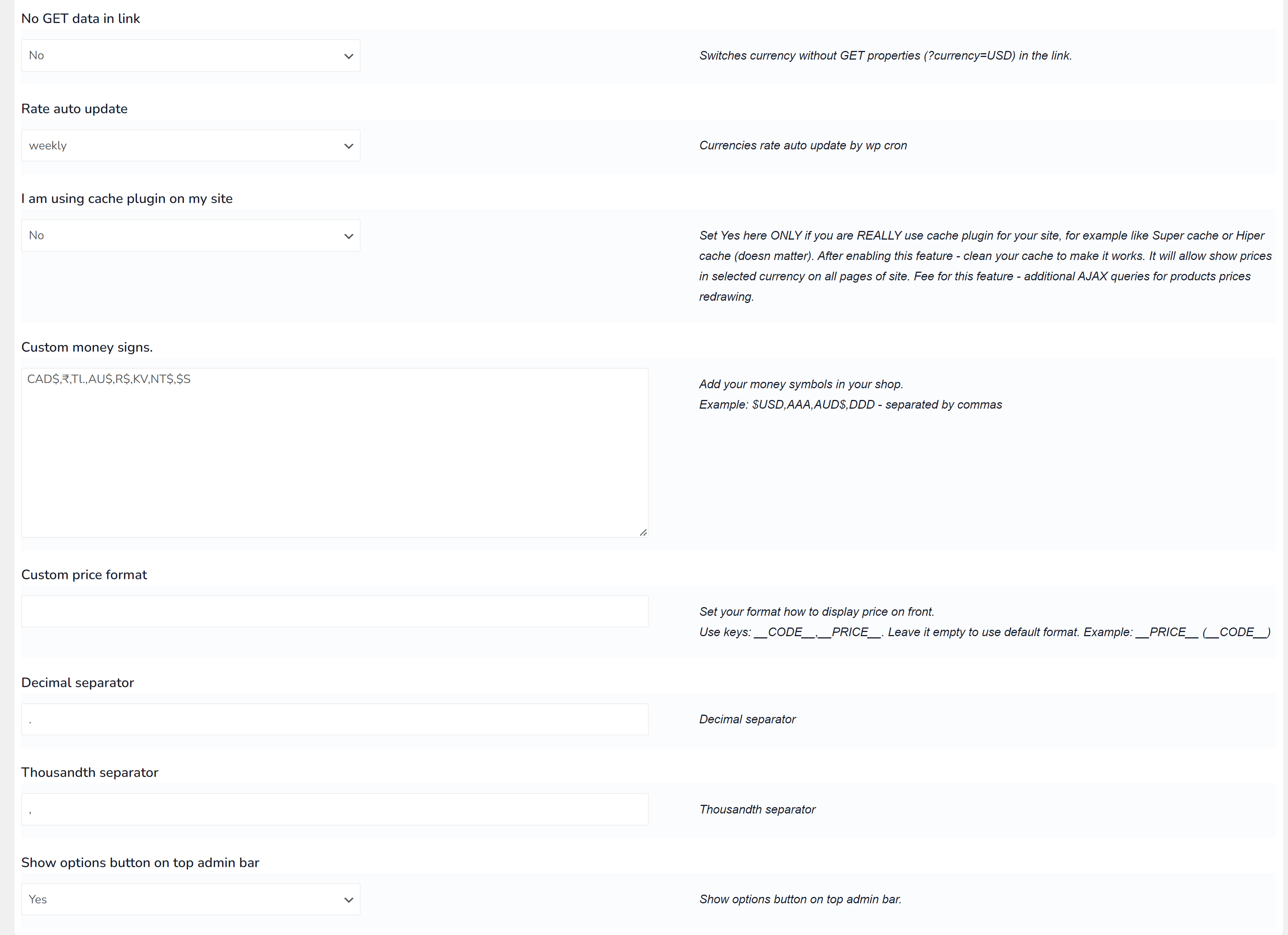
Automatically refresh currency rates at intervals of your choosing: hourly, twice daily, daily, weekly, or monthly, using a cron job. Alternatively, take control and manually update your own rates
Currency Wizard
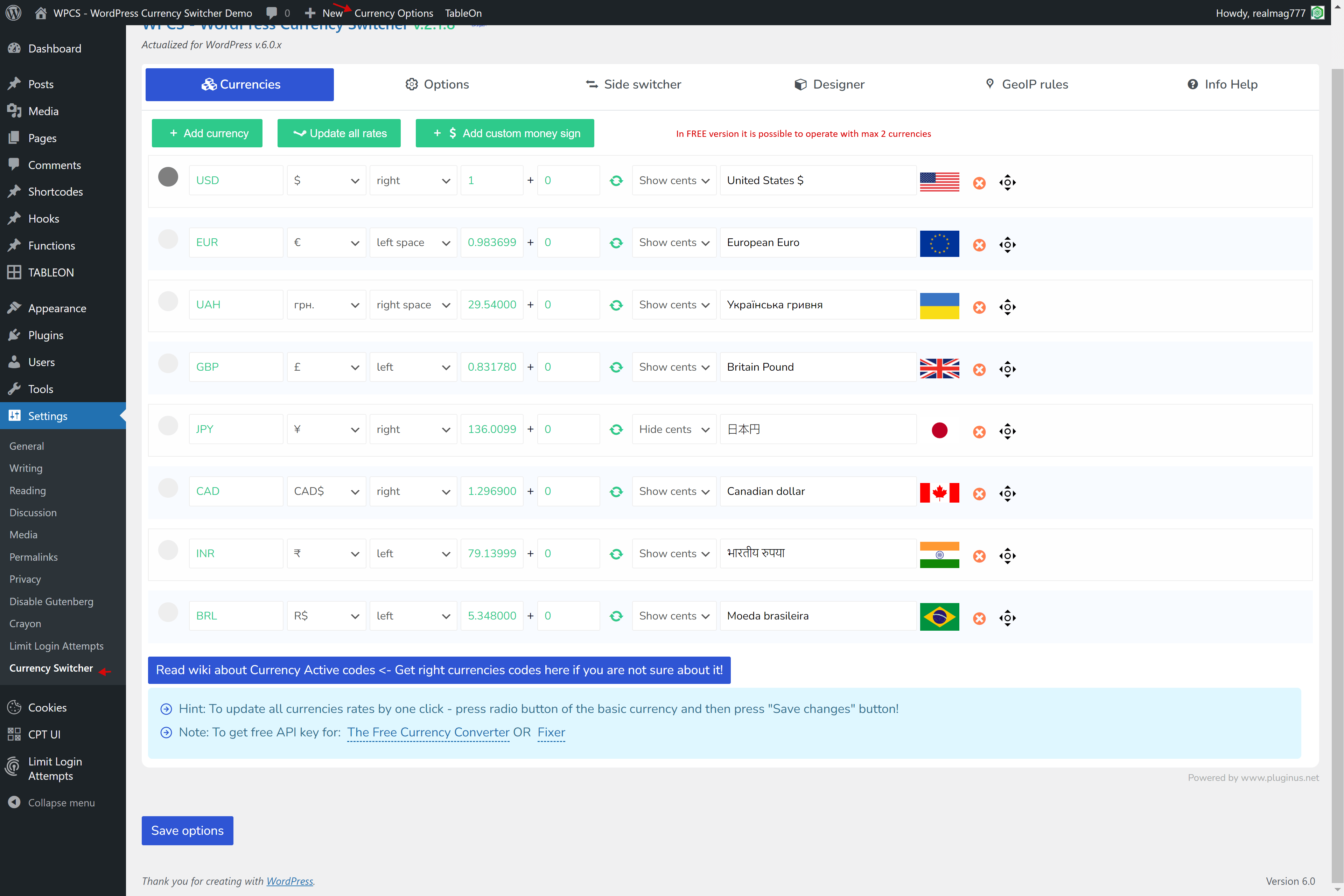
Effortlessly search and add multiple currencies, complete with essential details such as flag, rate, symbol, and description
Price
Tailor price formats to meet your specific needs: choose the decimal count, use a standard or custom money symbol, and select from four sign positions. Hide or display cents as required, with support for non-standard decimal counts, making it suitable for cryptocurrencies like BTC
Custom money signs
Design and implement your own currency symbols to align with your brand or business logic, even accommodating currencies that are not commonly used in reality
Custom price formats
Assign a unique format for each currency, determining where to place the price and currency sign according to your preferences
Welcome currency
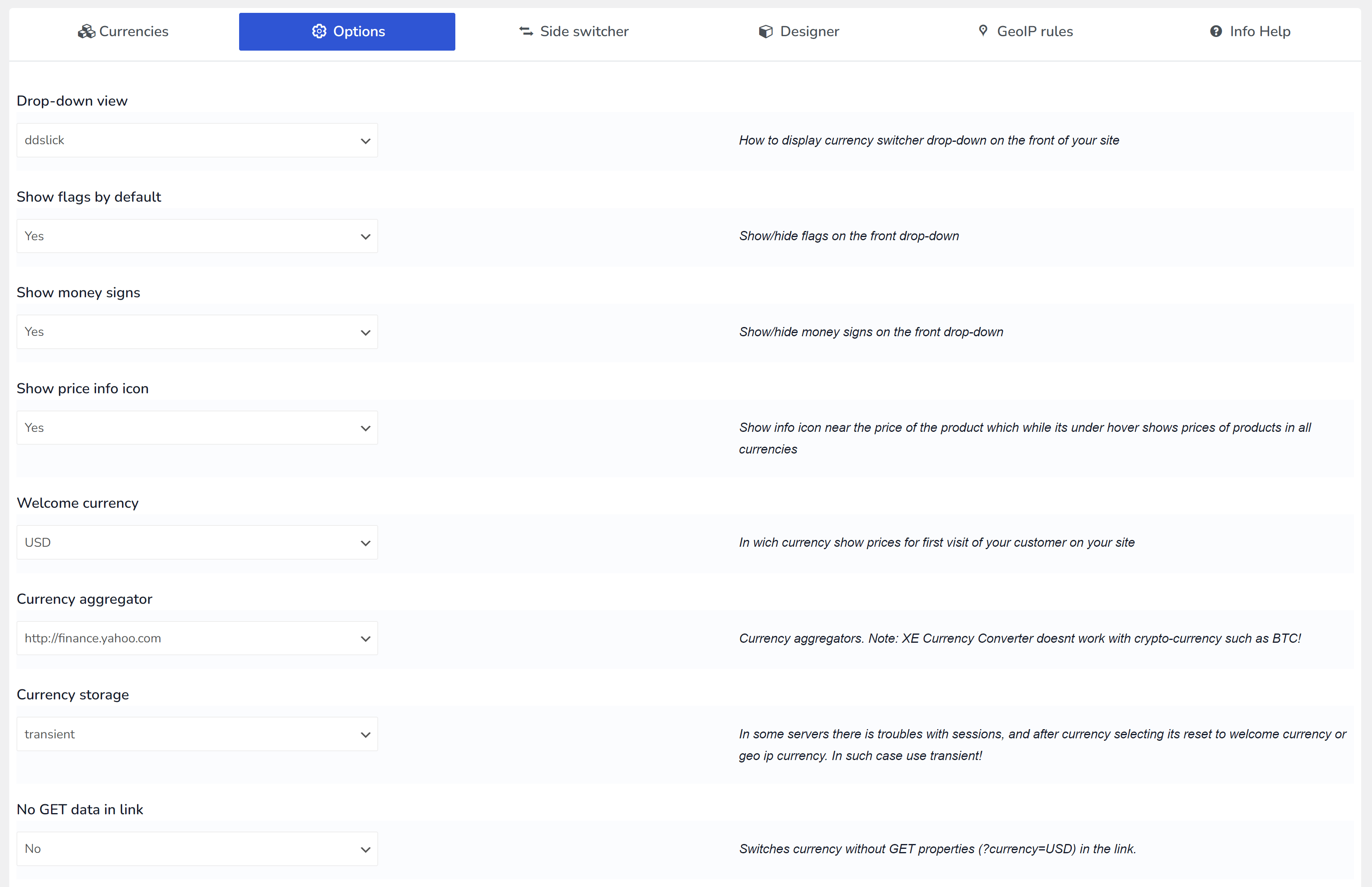
Set a preferred currency for new visitors on their first visit. For instance, if your site's base currency is INR and you want U.S. customers to see prices in USD initially, simply set the 'Welcome currency' in WPCS options as USD
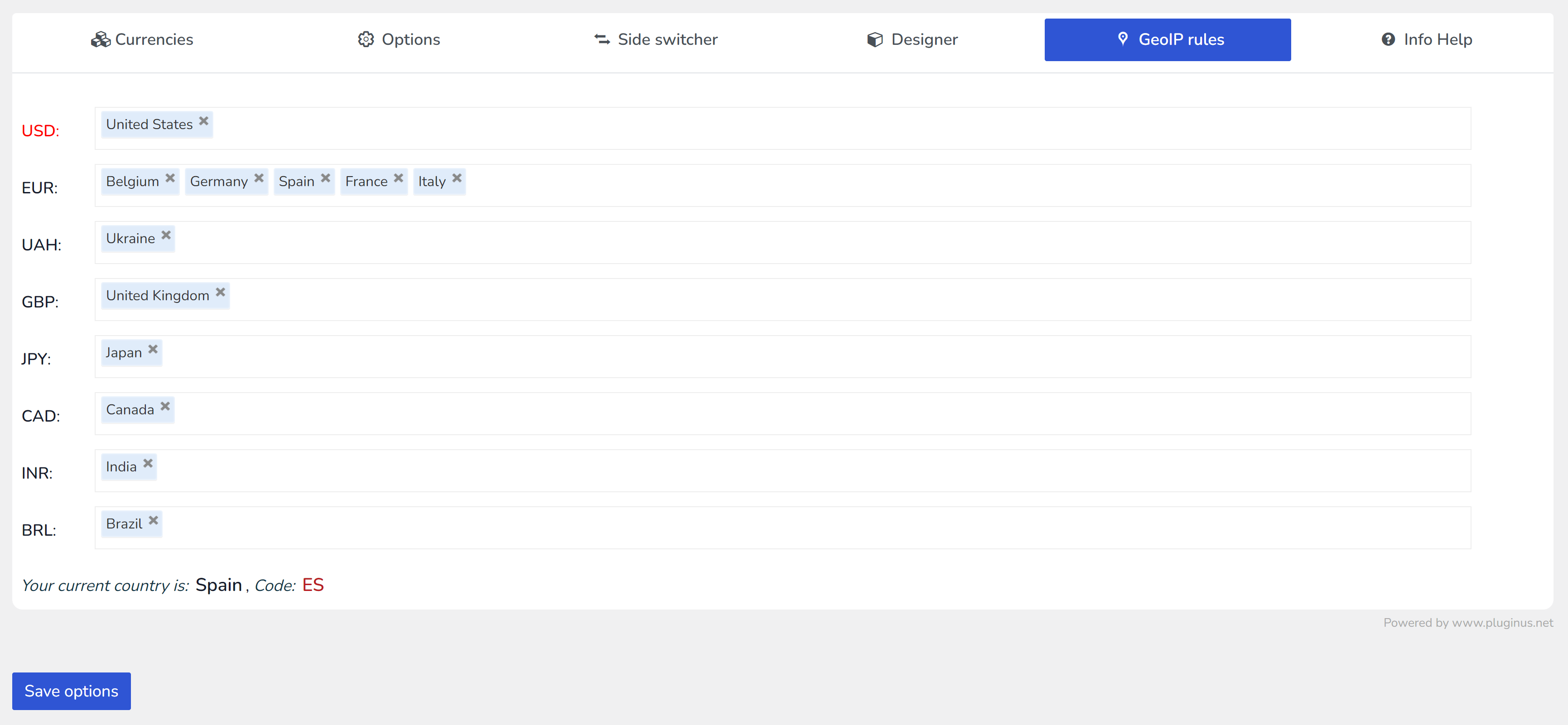
GEO IP rules for visitors local currency detection
This intelligent feature identifies and sets the currency for site visitors based on their geographic location during their first visit, ensuring the currency adjusts automatically to match the visitor's IP
Compatibility with cache plugins
Ensure full functionality alongside cache plugins by selecting the 'I am using a cache plugin on my site' option. After resetting the cache, your visitors can seamlessly switch currencies without any issues
Price info icon
A tooltip appears when you hover over the price info icon, revealing the price of the product or service in all available currencies, enhancing transparency for customers
Shortcode [wpcs_price]
Easily integrate switchable product or service pricing into your promotional articles on the site using the [wpcs_price] shortcode.
Possible to take the price value directly from meta field
Utilize the [wpcs_price meta_value='my_price_field_key'] shortcode to fetch and display prices directly from the site's custom meta fields
Fixed prices options
If you want to set for each currency its own price and avoid recounting relative of basic currency use next syntax: [wpcs_price type="fixed" value="USD:15,EUR:20,GBP:45"] . If you want use meta field instead of attribute "value" write shortcode as [wpcs_price meta_value=my_price_field type="fixed"] and value of meta field should has next syntax: USD:15,EUR:20,GBP:45
Prices without cents
Display prices for currencies that traditionally do not include cents, like JPY or TWD, without the decimal part. Ensure to test this feature during checkout.
Possible to change currency according to the language
Align currency settings with the current language of your site, using WPML or Polylang plugins, through the adaptable WPCS API
Currency in link
WPCS recognizes and processes currency parameters directly in the site URL, such as wp-currency.com/demo/?currency=EUR.
Decimal separator optional
Choose whether to display the decimal separator, providing flexibility in price formatting
Currency storage
WPCS provides various storage solutions for the selected currency, supporting different hosting setups: Session and Transient
Wide API
Developers can leverage the extensive WPCS API to dynamically manipulate prices and rates with conditional logic
Easy to use for administrators and site customers
Get started quickly - set up currency options within 5 minutes and enhance your site's monetization capabilities
Compatible with WOLF - WordPress Posts Bulk Editor Professional
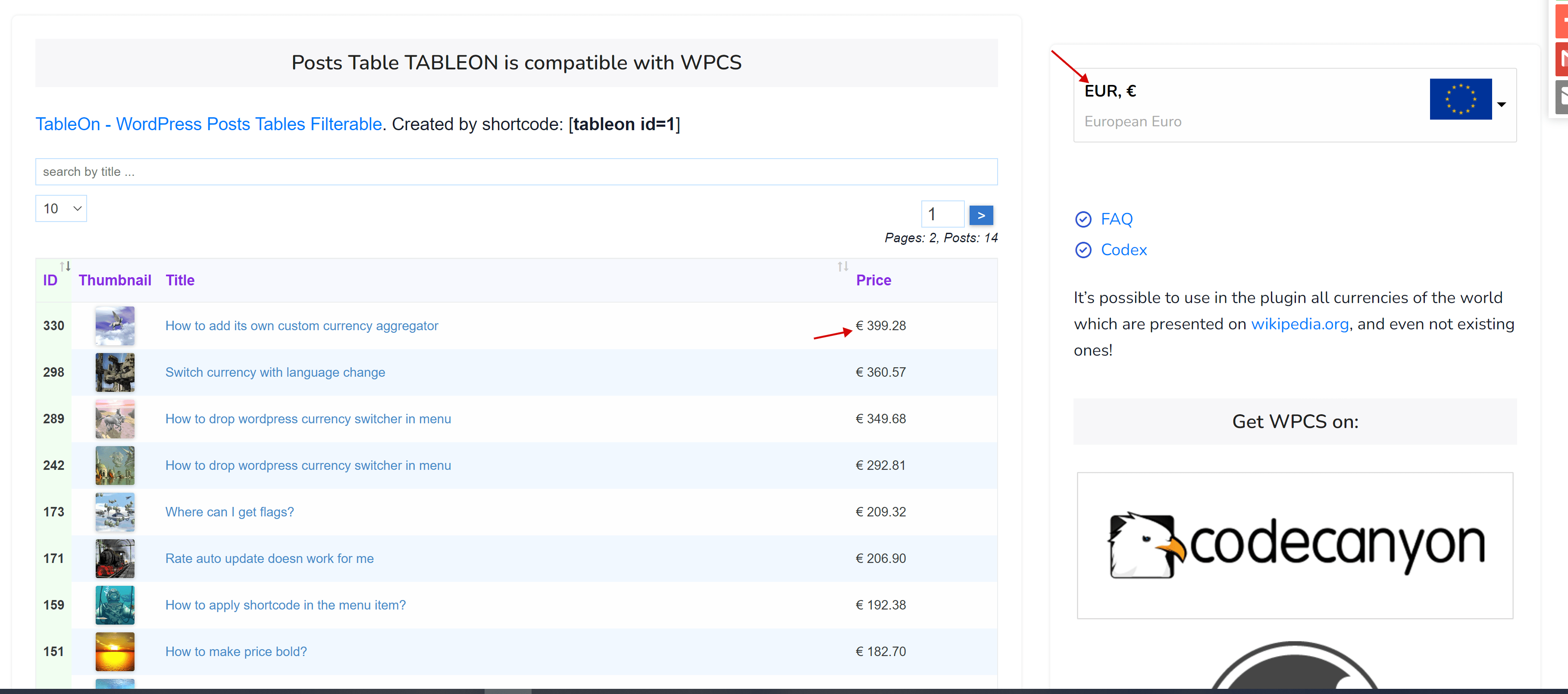
Compatible with TABLEON - WordPress Posts Table Filterable
Thousandth separator optional
Support
✔ Strong technical support, which each day works with tones of code!
Currencies
Set the currencies for your site by your business logic
Options
Set options according your site conditions
Rules
Set global and individual rules
Experience the benefits at no cost!
Begin with the free version of 'WPCS - WordPress Currency Switcher Professional' and gain access to a dependable business tool for your WordPress site.
Enhance your business with a multi currency site!
Enhance your business with "WPCS - WordPress Currency Switcher Professional". This plugin delivers an intuitive experience by presenting clear and attractive pricing information to your site visitors, tailored to their local currency.
Customers
Display your product prices in a user-friendly way for a global customer base
Prices
Customize pricing for different markets according to your unique business strategy
Switcher
Conveniently position the currency switcher anywhere on your site with the [wpcs] shortcode
API
Leverage a powerful API to seamlessly manage pricing across your website
What 22 real customers say
Collected from verified buyers and WordPress.org over the years.
Great plugin. It was easy to customize, simple to style, and matched our website theme closely. It makes switching between currencies on our pricing page straightforward, and the localization feature is a nice bonus because visitors can automatically see the currency relevant to their location.
Works well, and we can provide currency options for our website visitors. The support for the plugin is very helpful too!
Its very bad application, its not working properly. Its not showing currency change actually. Actually not chaining price one currency to another currency. So its useless. Completely value less. I will highly recommend to not buy this one.
Non-coder here. This is definitely the best currency plugin for WordPress, and I tried quite a few. It's very customizable and has a wide functionality. I'm very happy not to have had to install any e-commerce plugins in order for it to function. I would give it 5-stars, but the instructions for use and installation could be clearer for non-experts. I had to tinker with it quite a bit to figure out how to set it up. I'm a very literal instruction follower, so there are details, small actions, or terminology that are assumed and skipped or glossed over (presumably because most users know more than me). But, since my work involves writing instructions pretty frequently and am generally good at troubleshooting tech, I feel like it's likely that others will encounter the same hurdles.
Easy and Simple
I’m just using the free version where only 2 currencies are allowed but that’s enough for me. At first I was confused on how to get it to work but then I saw the video (the video seems like its using an old version but most of the features are still there) in the info tab and it’s perfect! Thank you!
Fatal error on activation
Plugin does activate on current version of WordPress. EDIT: Plugin updated – great support! 5 stars
best
Ребята, отличный плагин, то, что я искал. Успехов в достижении новых вершин, не останавливайтесь.
This is all you need
Superb. The best currency switcher plugin out there.
WPCS achievements
"WPCS - WordPress Currency Switcher Professional" actively uses on WordPress business sites
Get Started !
Start working with "WPCS - WordPress Currency Switcher Professional" and improve your site customers friendliness - get more profit for your business
FAQ's
If you have questions check please already prepared answers
Ideas
If you have an idea please share it with us
Support
If you have question about plugin functionality or found bug write us please
Have Questions?
You can always ask pre-sale or technical questions on the support
Will WPCS fit my needs?
+
You can get this answer absolutely without any risk by installing free version of the plugin
Is premium version license should be renewed each year?
+
Yes. The annual plan renews automatically once a year, so updates and support never lapse by accident. You can switch auto-renewal off at any time in your Freemius account, in one click. And if a license does expire, nothing breaks: the plugin keeps working on your site exactly as before — what stops is the delivery of new versions, including security fixes, and support. If you would rather pay once, there are one-time lifetime licenses — no renewals at all. Both options are on the downloads page.
What is the difference between free and premium version?
+
What about updates and fixes?
+
We are monitoring the changes in the WordPress engine. If you find an error, please report it to the support and we will fix it.